A staff member can now hold several responsibilities at once, each tied to a branch and an optional end date.
Platform
More than one responsibility per staff member
A staff member can now hold several responsibilities at the same time, each one tied to a branch and, if you want, an end date after which it lapses. You give and take them away from the staff member's own page. Class teacher, house in-charge and head of department duties now follow by themselves from what your school already records, so nobody has to be added twice.
A new Access page in Settings
Settings now has an Access page that lists every standard responsibility, spells out in plain words what someone holding it can do, shows who holds it today, and keeps a dated record of every change so you can see who was given what and when.
A tidier quick search
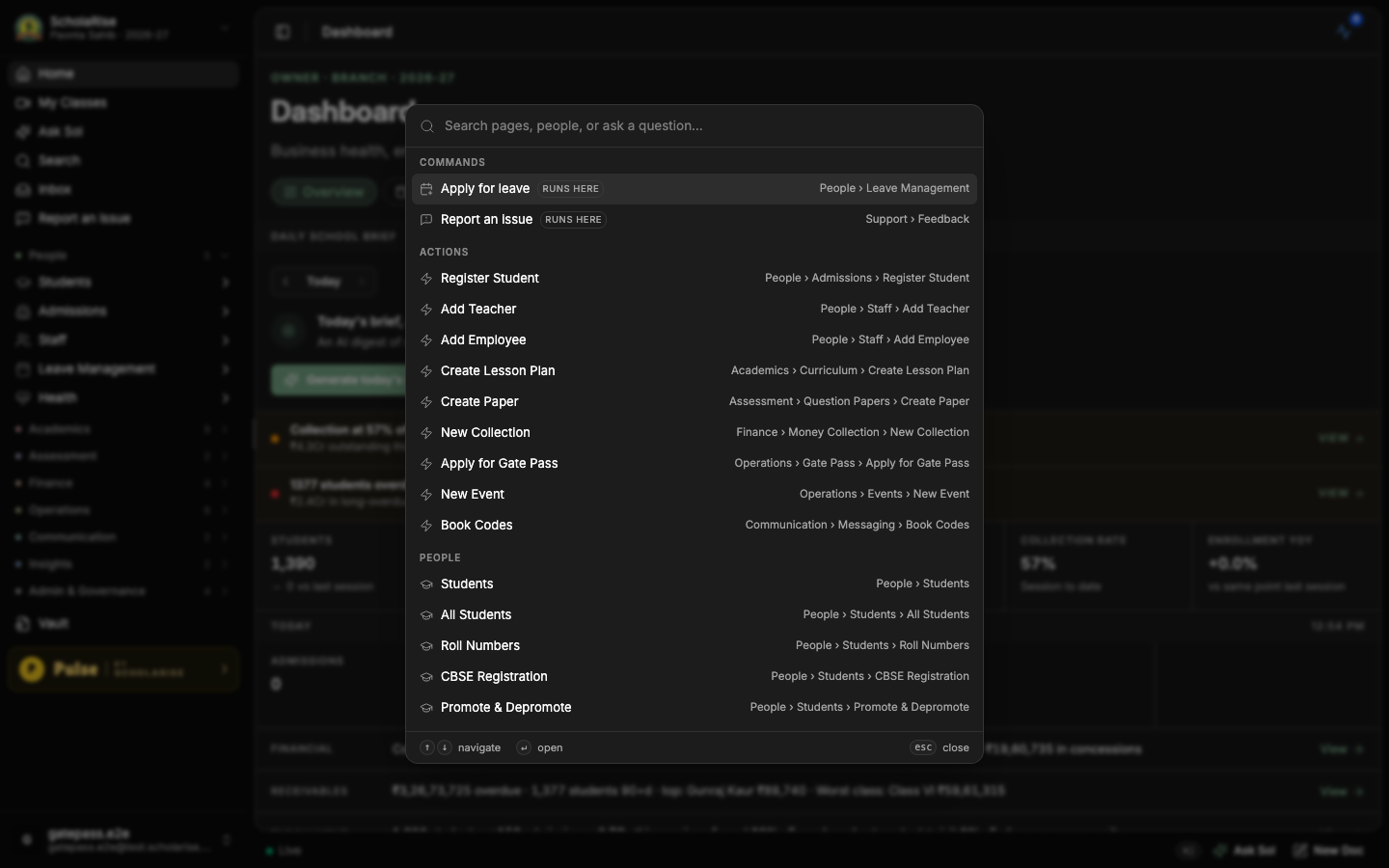
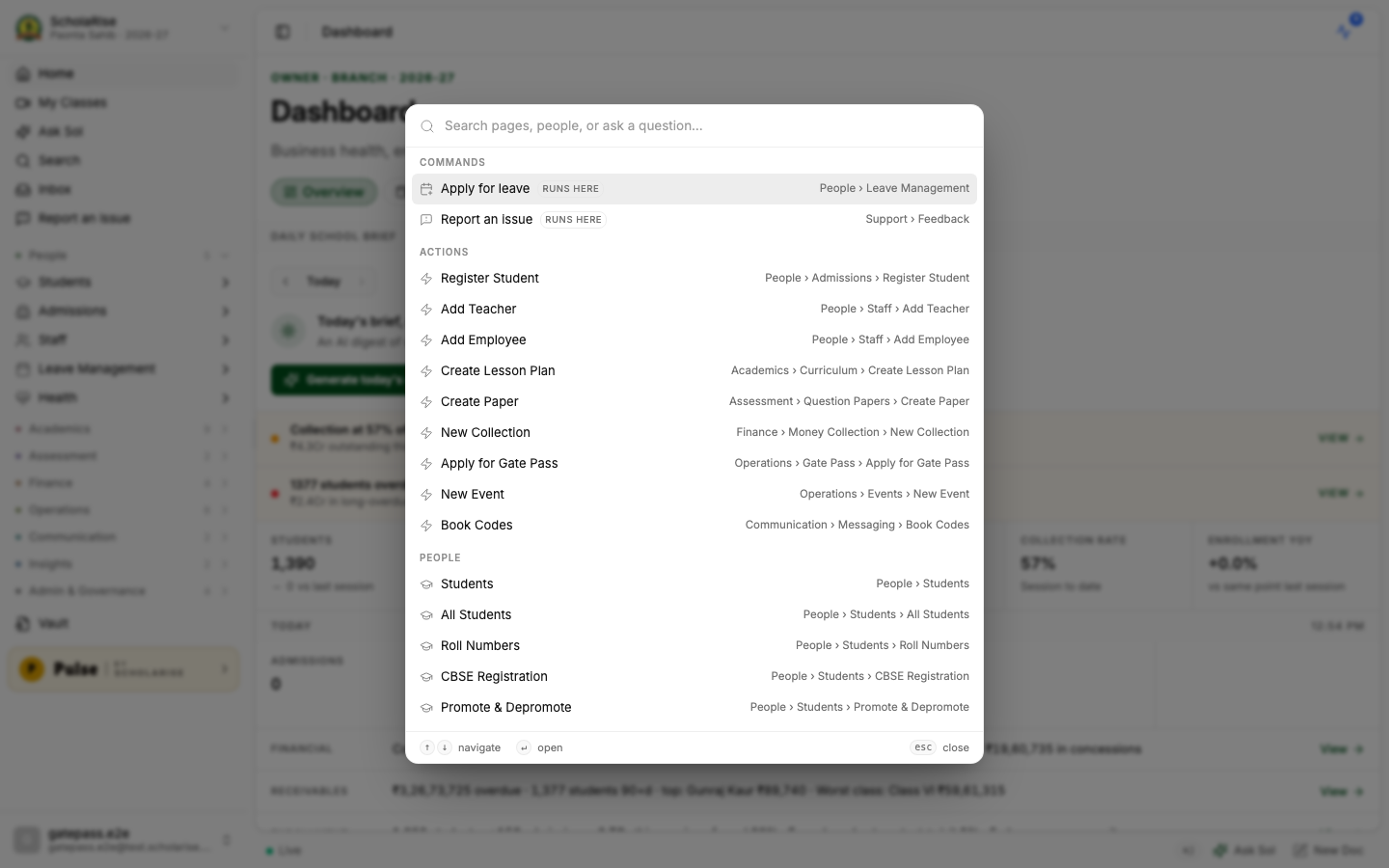
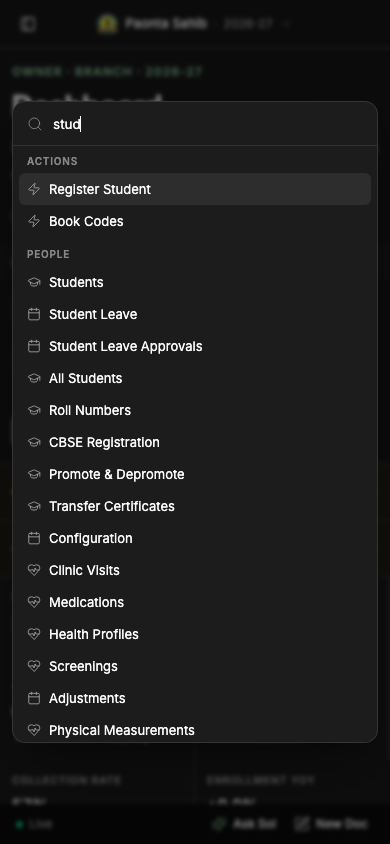
The quick search you open with Command-K is now a smaller, neater panel that fits about twice as many results on screen, and the page behind it dims so it is easier to read. Searching for a student, a parent or a staff member by name works exactly as before.
The redesigned quick search panel
Finding a student by name
The same panel in the light theme
Quick search on a phone
Library
One look across every Library form
Adding a book, editing or withdrawing a copy, correcting a register line and the Library settings screens now all open in the same tidy layout used elsewhere in ScholaRise, with a clear heading, titled sections and the buttons always in the same place. Nothing about how these steps work has changed.
Book a demoA guided walkthroughWeb · iOS · AndroidAvailable across India
The next step
See ScholaRise in your school.
A real walkthrough with someone who actually runs a school — we'll map what fits your
campus today and what's worth phasing in over the next year.